

Back to school with the TTC
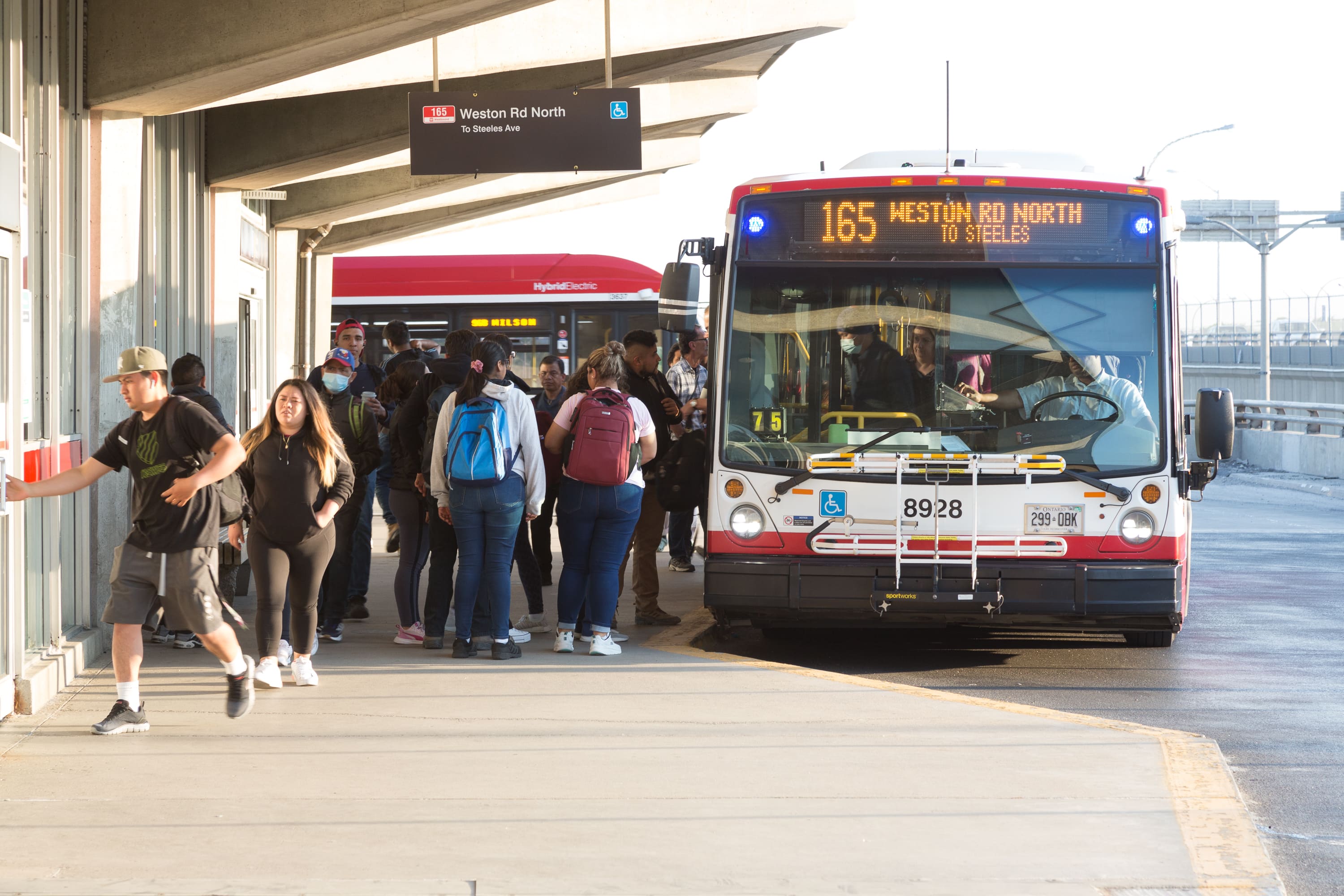
September is a busy time on the TTC as students, families, teachers, and school staff return to classrooms and campuses across Toronto. Use this guide to plan your trip, check your route, learn how to pay your fare, review safety and courtesy tips, and help you stay informed before you travel. Learn more about taking the TTC as a student.
On this page:
September service changes
The TTC is ready for back to school with service changes to support September travel patterns and help customers get where they need to go.
Starting Tuesday, September 8, the TTC will add service on selected routes serving post-secondary schools and reinstate 112 school trips for Toronto District School Board and Toronto Catholic District School Board secondary schools.
Before your first day of school, check your route, review updated schedules, and give yourself extra time during the first few weeks of September.
-
Post-secondary routes receiving additional and restored service
Centennial College – Ashtonbee Campus: 968 Warden Express
Centennial College – Progress Campus: 102A Markham Rd, 902 Markham Rd Express, 903 Kennedy Stn-Scarborough Express
George Brown Polytechnic – Waterfront Campus: 65 Parliament, 75 Sherbourne, 114 Queens Quay East
Humber Polytechnic – Lakeshore Campus: 944 Kipling South Express
Humber Polytechnic – North Campus: 96 Wilson, 906 Airport-Humber College Express, 927 Highway 27 Express
Seneca Polytechnic – Newnham Campus: 939 Finch Express
University of Toronto – Scarborough Campus: 12 Kingston Rd, 38 Highland Creek, 95 York Mills, 905 Eglinton East Express, 938 Highland Creek Express, 995 York Mills Express
York University – Keele Campus: 41 Keele
York University – Glendon Campus: 124 Sunnybrook
Plan ahead with TTC digital tools
September is one of the busiest times of year on the TTC. Before you leave, use TTC digital tools to plan your trip, check your route, and get real-time service information.
- Use the TTC Trip Planner to map your route.
- Check the Live Map for service information.
- View Service Alerts before and during your trip.
- Sign up for MyTTC e-Alerts for route-specific updates.
- Use the Transit app for next vehicle information.
Getting to college or university
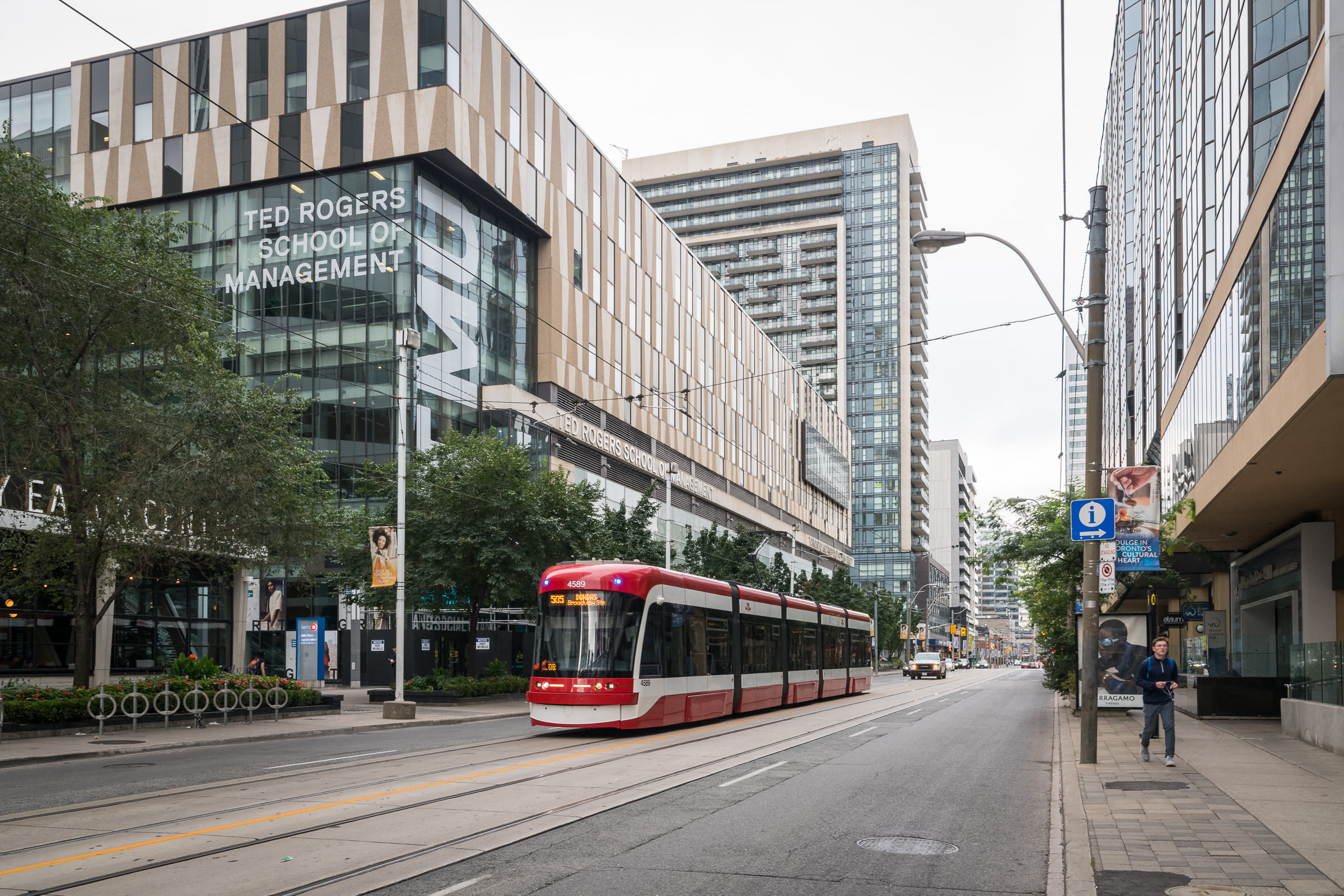
Heading to college or university this September? Here are some of the TTC bus and streetcar routes that serve major post-secondary campuses in Toronto.
For more post-secondary school routes, including by subway, visit Explore Toronto.
Colleges and polytechnics
-
Centennial College
Ashtonbee Campus
Morningside Campus
- 12 Kingston Road
- 38 Highland Creek
- 95 York Mills
- 116 Morningside
- 154 Curran Hall
- 905 Eglinton East Express
- 995 York Mills Express
Progress Campus
-
George Brown Polytechnic
Casa Loma Campus
St. James Campus
Waterfront Campus
-
Humber Polytechnic
Lakeshore Campus
North Campus
-
Seneca Polytechnic
Newnham Campus
Seneca@York Campus
See York University – Keele Campus below.
Universities
-
OCAD University
-
Toronto Metropolitan University
-
University of Toronto
St. George Campus
Scarborough Campus
-
York University
Glendon Campus
Keele Campus and Seneca@York
Student fares and paying your fare
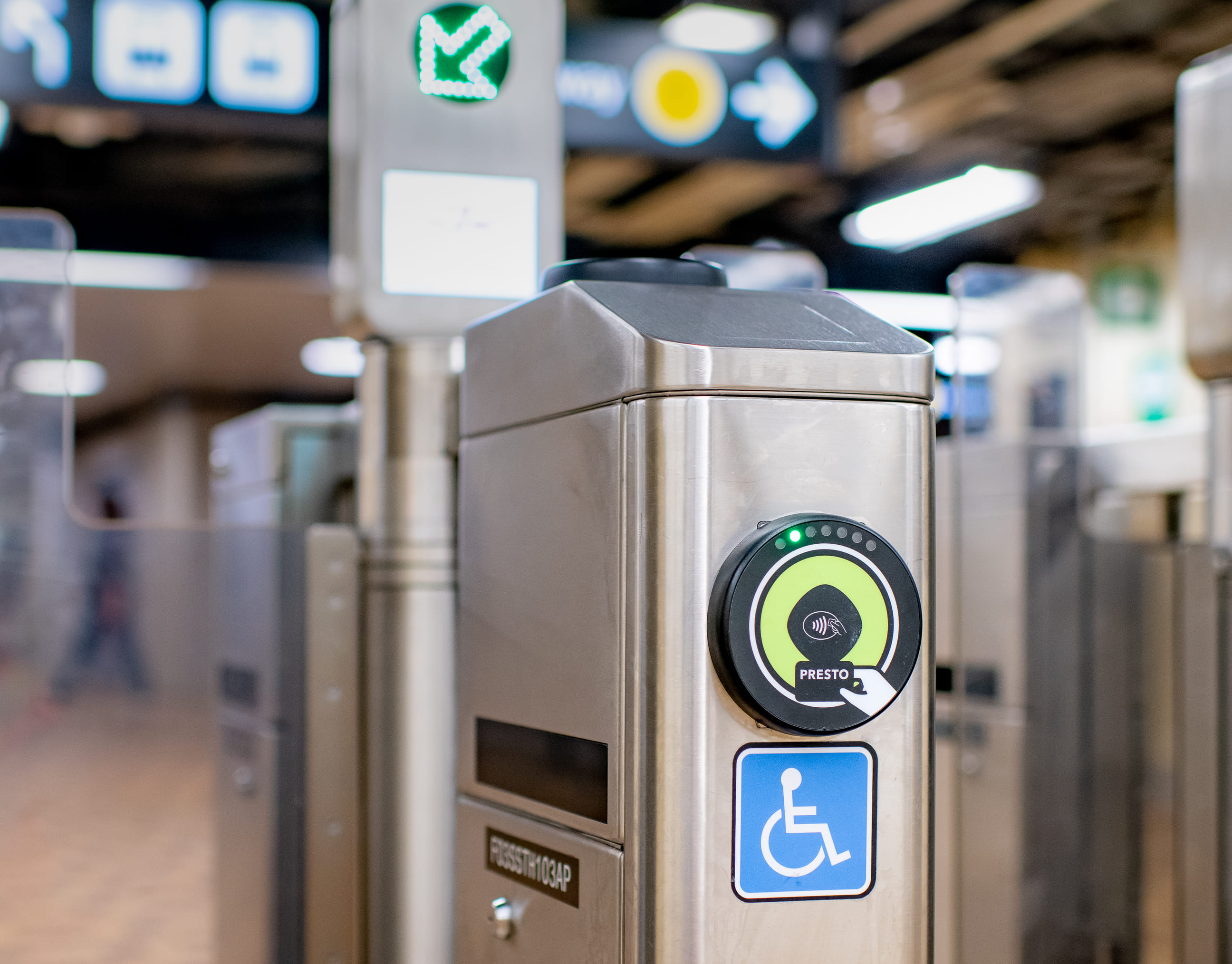
Monthly fare capping is here
Monthly fare capping gives customers the value of a monthly pass without needing to buy one upfront. Once you reach the 47-fare cap using the same eligible payment method in a calendar month, the rest of your TTC trips that month are free.
With the introduction of monthly fare capping, the Youth Monthly and 12-Month Passes were discontinued as of August 31, 2026.
Know how to pay before you ride. Students may be eligible for Youth or Post-Secondary fare options depending on their age and school status, and every customer age 13 and older must tap their own card, ticket, or device as Proof-of-Payment. Children 12 and under ride for free.
Learn more about Youth and Post-Secondary fare types and discounts.
-
Youth fares
- Youth ages 13 to 19 are eligible for Youth fares.
- Youths ages 16 to 19 must carry valid photo ID when travelling on the TTC.
- Youth fares are only available with a PRESTO card set to the Youth fare type or by paying the Youth cash fare.
- Youth can set their fare type at Shoppers Drug Mart and participating Customer Service Outlets.
- Youth fares are not available when paying by Interac® Debit or credit card, including mobile wallet.
-
Post-secondary student fares
- Post-secondary pay-as-you-go fares are the same as Adult fares.
- Post-secondary students need a TTC Post-Secondary Photo ID Card to use a TTC Post-Secondary Monthly Pass.
- Post-secondary students can purchase the TTC Post-Secondary Monthly Pass online at prestocard.ca, on the PRESTO mobile app, at Fare Vending Machines and Self-Serve Reload Machines, and at Shoppers Drug Mart and participating Customer Service Outlets.
- Post-secondary students can set their fare types at Shoppers Drug Mart and participating Customer Service Outlets.
-
Proof-of-Payment
- Tap every time you board a vehicle or enter a station.
- Use the same card, ticket, or device throughout your trip.
- Keep your Proof-of-Payment with you.
Riding the TTC
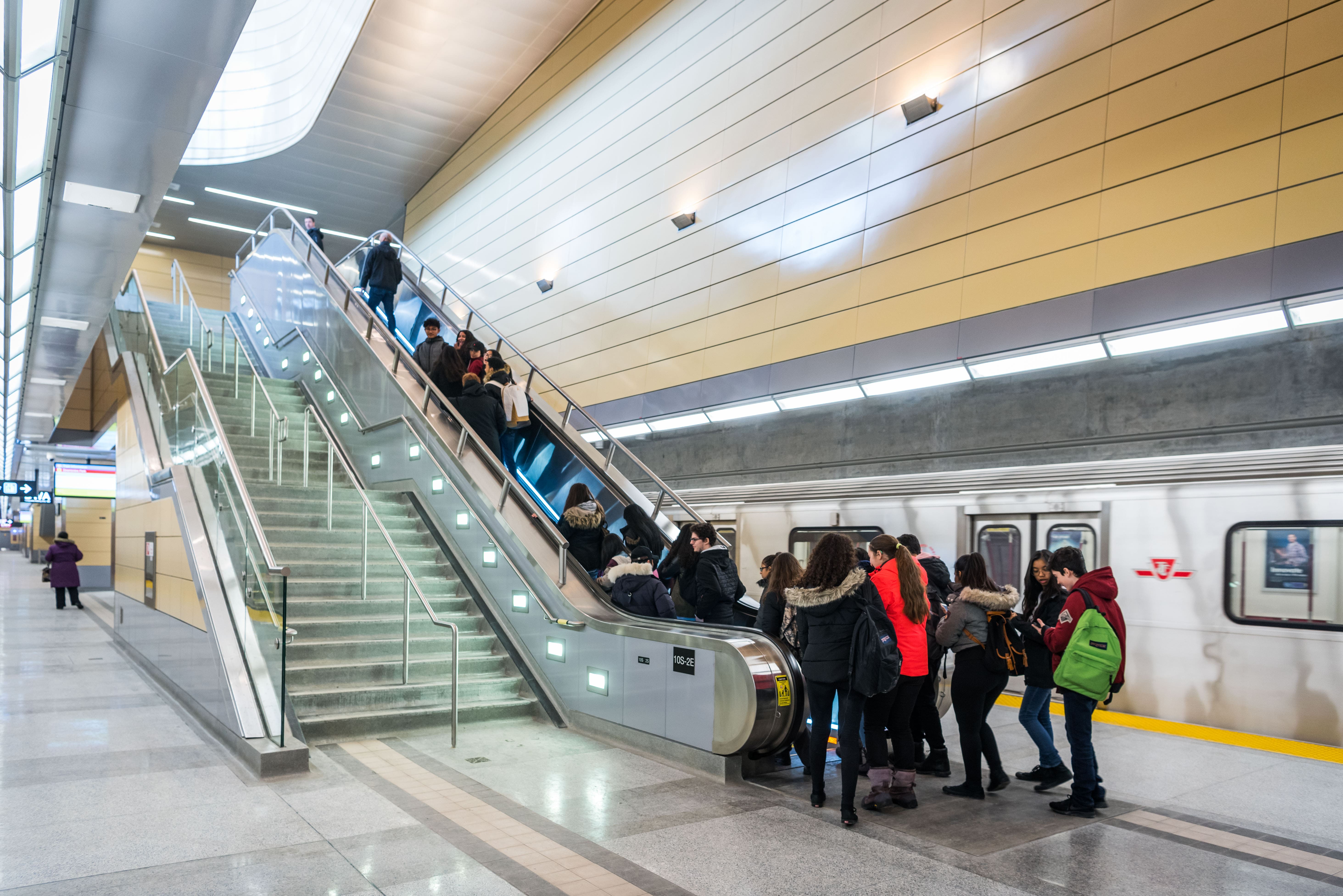
New to the TTC or need a refresher? Riding the TTC is easy. Plan your trip, check service before you go, pay your fare, and follow signs or announcements to your destination.
Visit Fares and passes to learn more about paying your fare.
Before you go
- Plan your trip using the TTC Trip Planner or the Transit app.
- Check the Live Map and Service Alerts to make sure your route is clear.
- Sign up for MyTTC e-Services to receive email updates about service disruptions.
- Give yourself extra time during the first few weeks of school, when routes and stations may be busier.
Check out our full guide to riding the bus, streetcar, subway and light rail transit (LRT).
Travel with courtesy
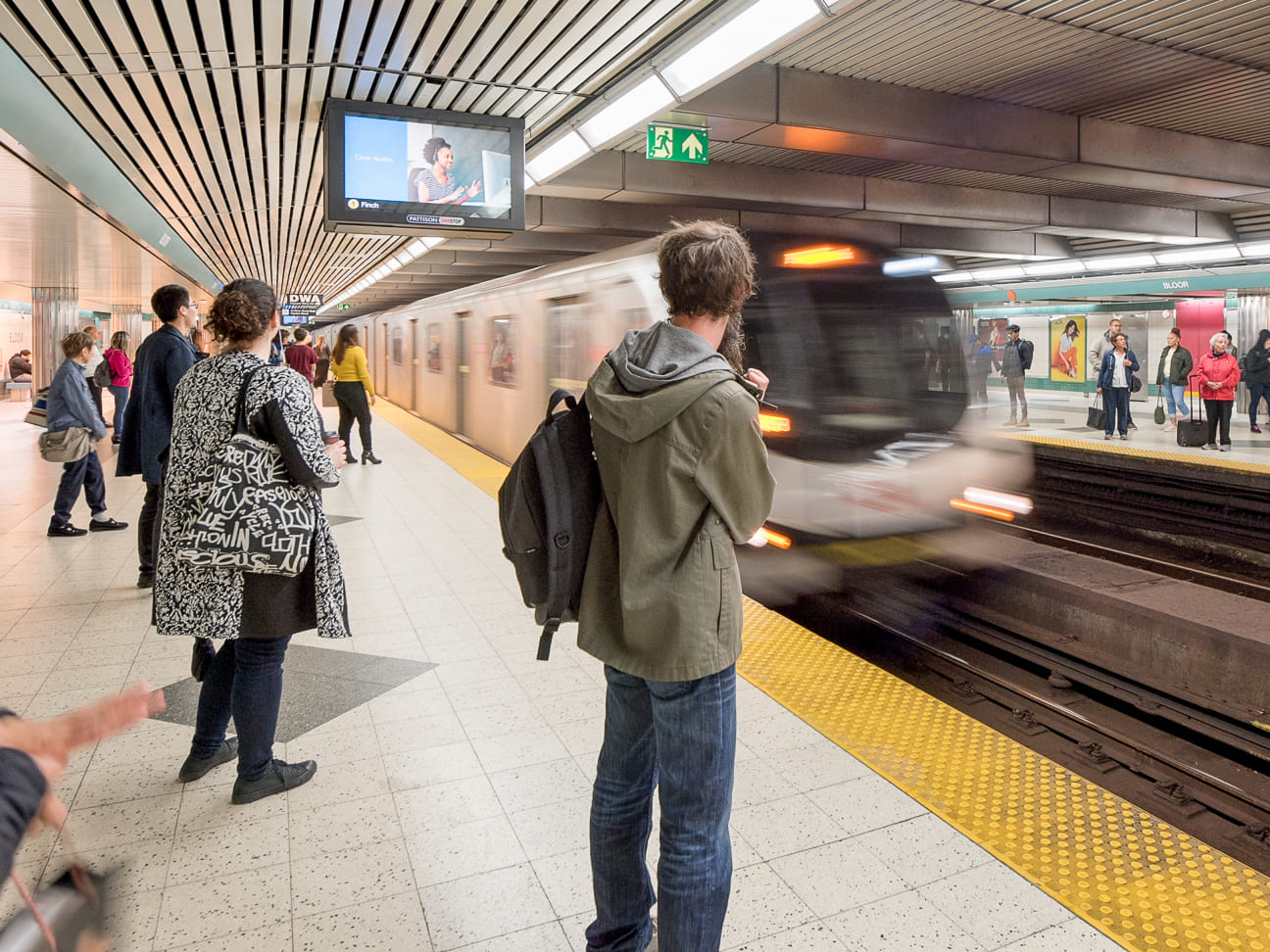
The TTC is busier in September as students and regular work routines return. Small actions can help make the trip better for everyone.
Please remember to:
- Let others exit before you board.
- Move further into the vehicle so others can board.
- Remove your backpack and carry it, place it on your lap, or put it on the floor.
- Keep music, videos, and phone calls to yourself by using headphones.
- Offer Priority Seating to anyone who needs it, including people with disabilities, seniors, and pregnant persons. Not all disabilities are visible.
- Take only one seat.
- Keep doorways, aisles, and stairs clear.
- Keep your belongings with you.
- Do not leave litter behind.
Check out more TTC tips for a smoother trip.
Safety and security
Your safety matters. The TTC is committed to helping every customer feel safe, supported, and respected while travelling. If you need immediate emergency police, fire, or medical assistance, call 9-1-1.
If you need help during your trip, you can:
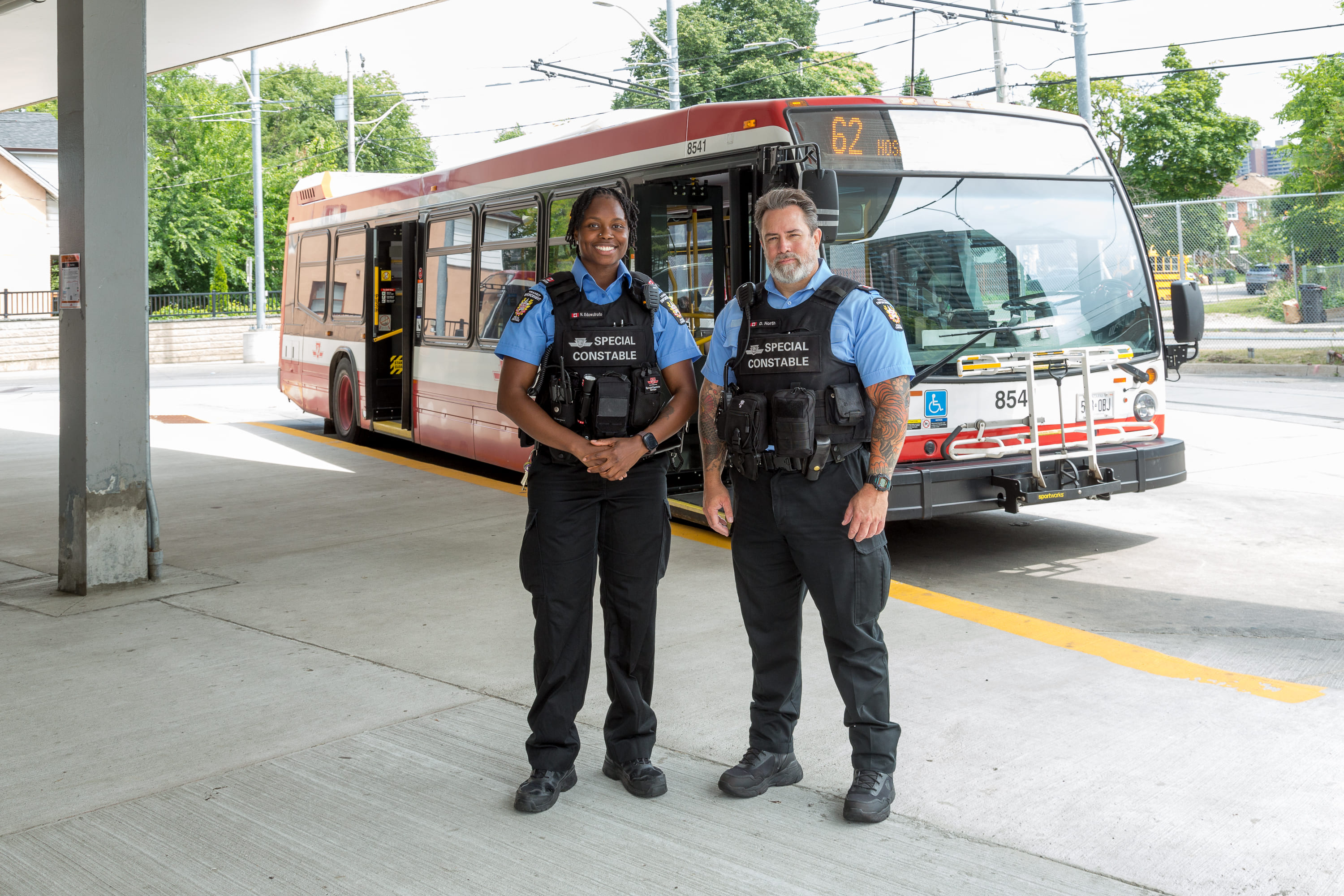
- Speak to a TTC employee, including an Operator, Customer Service Agent, Supervisor, Special Constable or other uniformed employee.
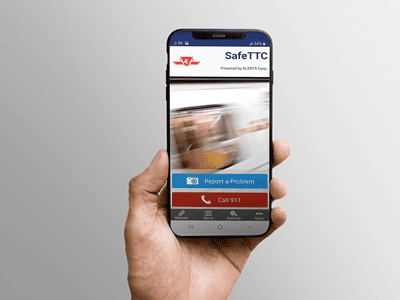
- Use the SafeTTC app for free from the Apple App or Google Play stores to discreetly report harassment, safety concerns, or suspicious activity.
- Text a safety concern to 647-496-1940.
- At stations, use the Passenger Assistance Intercom at the entrance or at the Designated Waiting Area on the platform. On streetcars, use the Passenger Emergency Intercom to speak with the Operator.
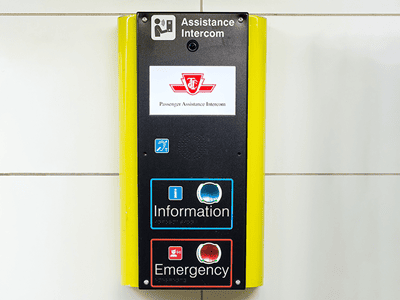
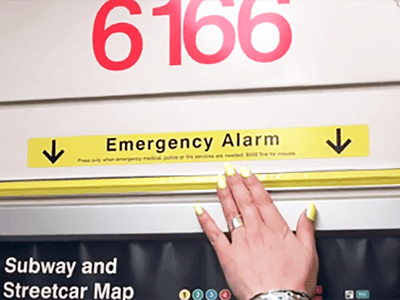
- Press the yellow Emergency Alarm on a subway train or LRT vehicle if there is an emergency or if you feel unsafe.
-
Travel and safety tips
- Stay behind the curb, platform edge, yellow line, or marked waiting area.
- Never run alongside or in front of a bus, streetcar, or LRT vehicle. It is safer to wait for the next one.
- Do not try to board or exit when the doors are closing.
- Cross only at intersections or pedestrian crossings and obey crossing signals.
- Check that traffic has stopped before exiting a streetcar.
- Stay alert around LRT tracks, subway platforms, and station areas.
- Never enter a subway or LRT track area. If you drop something, speak to a TTC employee or use an assistance intercom where available.
-
If you drop something on the subway or LRT tracks
Do not go down to get it.
Instead:
- Use the Passenger Assistance Intercom in the Designated Waiting Area.
- Speak to a Customer Service Agent at the fare gates.
- Look for a TTC employee in uniform or an orange TTC vest.
A TTC employee can help retrieve the item when it is safe to do so.
Accessibility and Wheel-Trans
The TTC provides accessible transit options across the system and specialized service through Wheel-Trans for eligible customers with disabilities, including students.
Before travelling, customers are encouraged to plan ahead and check for any accessibility-related service alerts that may affect their trip.
Learn more:
Lost something?
If you lose something on a TTC vehicle or in a station, visit the Lost Articles Office at Bay Station or call 416-393-4100.
Stay connected
Know before you go. Get service updates, route information, and TTC news before and during your trip.
- Check the yellow live service alerts bar at the bottom of all ttc.ca webpages, use the Live Map, and visit Service Alerts.
- Follow @TTCnotices and @TTChelps on X for service information.
- Sign up for route-specific MyTTC e-Alerts.
- Download the Transit app for next vehicle information.
- Download the SafeTTC app to report safety concerns or suspicious activity discreetly.
- Follow the TTC on Facebook and Instagram.